
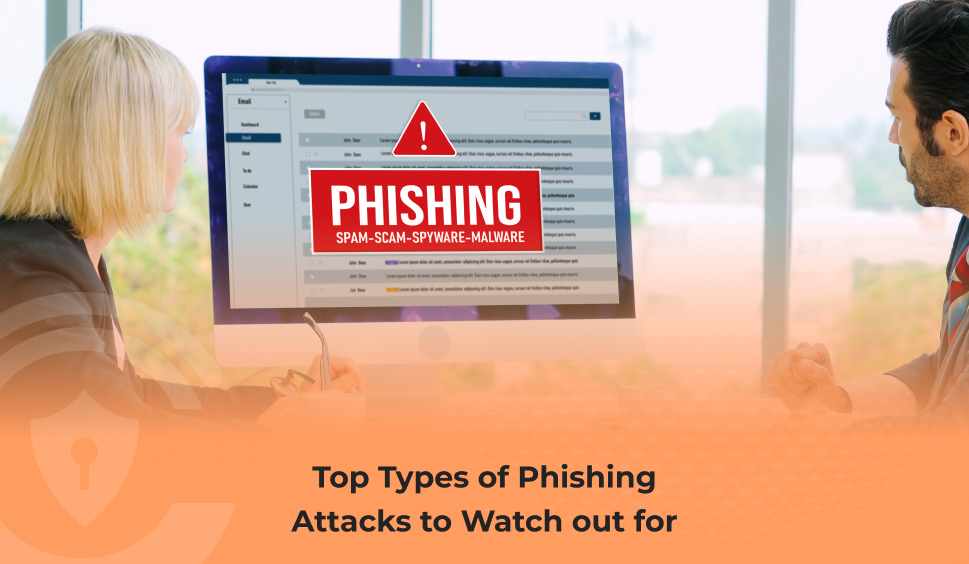
Top Types Of Phishing Attacks To Watch Out For
Phishing attacks continue to evolve at a rapid pace, becoming more deceptive and harder to detect. According to IBM, the average cost of a phishing-related data breach now exceeds $4.88 million, making it one of the most financially damaging cyberthreats facing individuals, businesses, and government entities. Beyond the financial losses, these attacks also disrupt trust, compromise privacy, and cause serious emotional and reputational harm.
Understanding how different types of phishing threats operate is one of the strongest defenses you can build. Below is a comprehensive breakdown of today’s most common and most sophisticated phishing techniques, along with practical tips to stay protected.
What Is Phishing?
Phishing is a cyber tactic used by attackers to trick individuals into revealing sensitive information, such as passwords, financial details, or personal identity data. Many attacks also attempt to convince victims to download malware or grant unauthorized access to systems. According to the Hoxhunt Phishing Trends Report, an overwhelming 80% of phishing campaigns are designed to steal credentials, making password-related security more important than ever.
Top Types of Phishing Attacks
Modern attackers use a wide variety of methods to reach their victims. While email remains the most widely used channel, nearly 40% of phishing attempts now occur across text messages, voice calls, social media, QR codes, and even browsers.
Below are the leading phishing methods to watch out for.
-
Deepfake Video Phishing
AI-generated deepfake content is one of the most alarming new phishing threats. Cybercriminals now use realistic AI-created videos and audio recordings to impersonate executives, coworkers, or family members, tricking victims into transferring money or exposing confidential information.
Example: A finance employee in Hong Kong was deceived into transferring $25 million after joining a deepfake video call that appeared to include his real CFO and colleagues.
Financial professionals are now major targets; over 53% report being targeted, and 43% admit falling for deepfake attacks.
How to protect yourself: Look out for unnatural skin textures, overly perfect visuals, odd lighting, or audio that seems too clean.
-
Email Phishing
Email phishing remains one of the most common and effective attack methods. Criminals often disguise emails to look like they’re from trusted organizations or government agencies, urging victims to click on malicious links or open harmful attachments.
Phishing emails impersonating government bodies have reportedly risen by 35% since 2024.
Protection tip: Always inspect the sender’s email address. Misspellings, unusual domains, grammar mistakes, and unexpected attachments are all red flags. Hover over links before clicking.
-
Smishing (SMS Phishing)
Smishing attacks use SMS, WhatsApp, or messaging apps to push malicious links or urgent requests.
Protection tip: If a message pressures you to act quickly, send money, click a link, or provide information, verify it through official channels before responding.
-
Quishing (QR Code Phishing)
QR code phishing has grown rapidly due to the widespread use of QR codes in restaurants, stores, and print media. Attackers place malicious QR codes in public areas or send them digitally, directing victims to fake websites or malware downloads.
Protection tip: Never scan QR codes from unverified sources. Check for stickers placed over legitimate printed codes.
-
Vishing (Voice Phishing)
Vishing involves phone calls, voice memos, or voicemail messages designed to extract sensitive information. Attackers may impersonate banks, government officials, or customer support agents, using social engineering tactics to build urgency or trust.
Protection tip: Notice emotional triggers. If a caller pressures you, promises rewards, or seeks sensitive data, it’s likely a scam.
-
Social Media Phishing
Fake accounts, fraudulent ads, and deceptive posts on platforms like Facebook, Instagram, and LinkedIn are used to steal personal data or distribute malware.
Protection tip: Verify profiles before interacting. Suspicious spellings, unverified accounts, and unusual DMs are warning signs.
-
Browser-Based Phishing
Browser-in-the-Browser (BitB)
Attackers create fake pop-up windows that mimic trusted login providers, tricking users into entering credentials.
Tip: If the window cannot be resized or behaves unusually, it may be fake.
Archive-in-the-Browser (AitB)
These attacks exploit .zip website domains, making the browser appear as if it is opening a compressed file.
Tip: Avoid interacting with .zip domains and never open unknown links.
-
“Spray-and-Pray” Phishing
This approach sends generic phishing messages to large groups, hoping a few will fall victim. While less targeted, it can still cause widespread damage.
Tip: Avoid messages with typos, poor grammar, or vague claims.
-
Spear Phishing
Spear phishing is highly personalized and targeted at specific individuals, often using details gathered from social media, company websites, or online data sources. Because these messages feel legitimate, they have a high success rate.
Tip: Limit the personal information you share publicly and make your social profiles private.
Boost Your Phishing Protection with Credentius
Recognizing phishing red flags is essential, but even experts can slip up. Credentius Password Manager improves your defense with:
- Secure autofill that works only on trusted websites
- Encrypted vaults to store sensitive credentials safely
- Strong password generation to eliminate weak or reused passwords
- Cross-device access through mobile, cloud, or local installation
- Robust enterprise controls for teams and organizations
With Credentius, users benefit from streamlined password management and stronger phishing resistance across all devices.
 Let's Discuss Your Tech Solutions